
ERP MODULE
Inventory Module
Items, warehouses, stock transfers, stock balance, valuation, and stock movement.
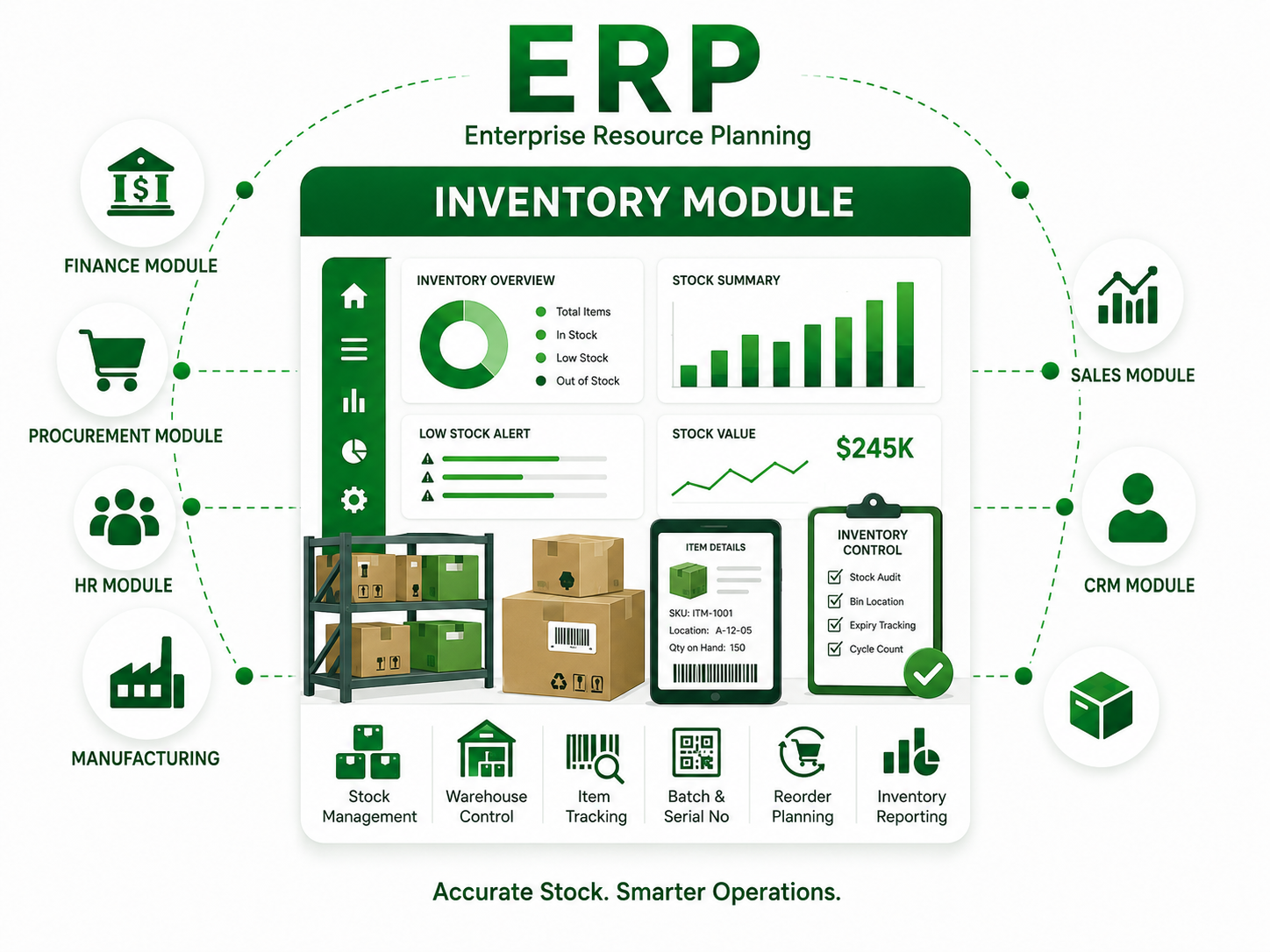
How It Works
The Inventory module centralizes daily operations into one controlled ERP workflow. Users create records, managers approve, the system updates connected documents, and dashboards show real-time performance.
It reduces manual work, improves control, and gives management accurate information for faster decisions.
Main Features
Main RecordsApproval WorkflowDashboard KPIsMonthly ReportsExport ToolsUser Permissions
Inventory Workflow
01
Create Record
Users enter transactions, requests, or operational data.
02
Review & Approve
Managers check, approve, or return documents for correction.
03
Process Automatically
The ERP updates ledgers, stock, payroll, projects, equipment, rentals, or reports.
04
Analyze Reports
Dashboards and reports support better management decisions.
Reports Included
Summary Report
Detailed Ledger
Monthly Trend
Budget vs Actual
Pending Approval
Management Dashboard
Want to use the Inventory Module?
Let Nexopia configure this module based on your company workflow.
Request Demo →